
Keeping your project board in sync with your codebase is tedious by hand. TskVlo’s Git integration bridges that gap: link pull requests, merge requests, issues, and commits directly to tasks and let status flow automatically.
Connect a Repository
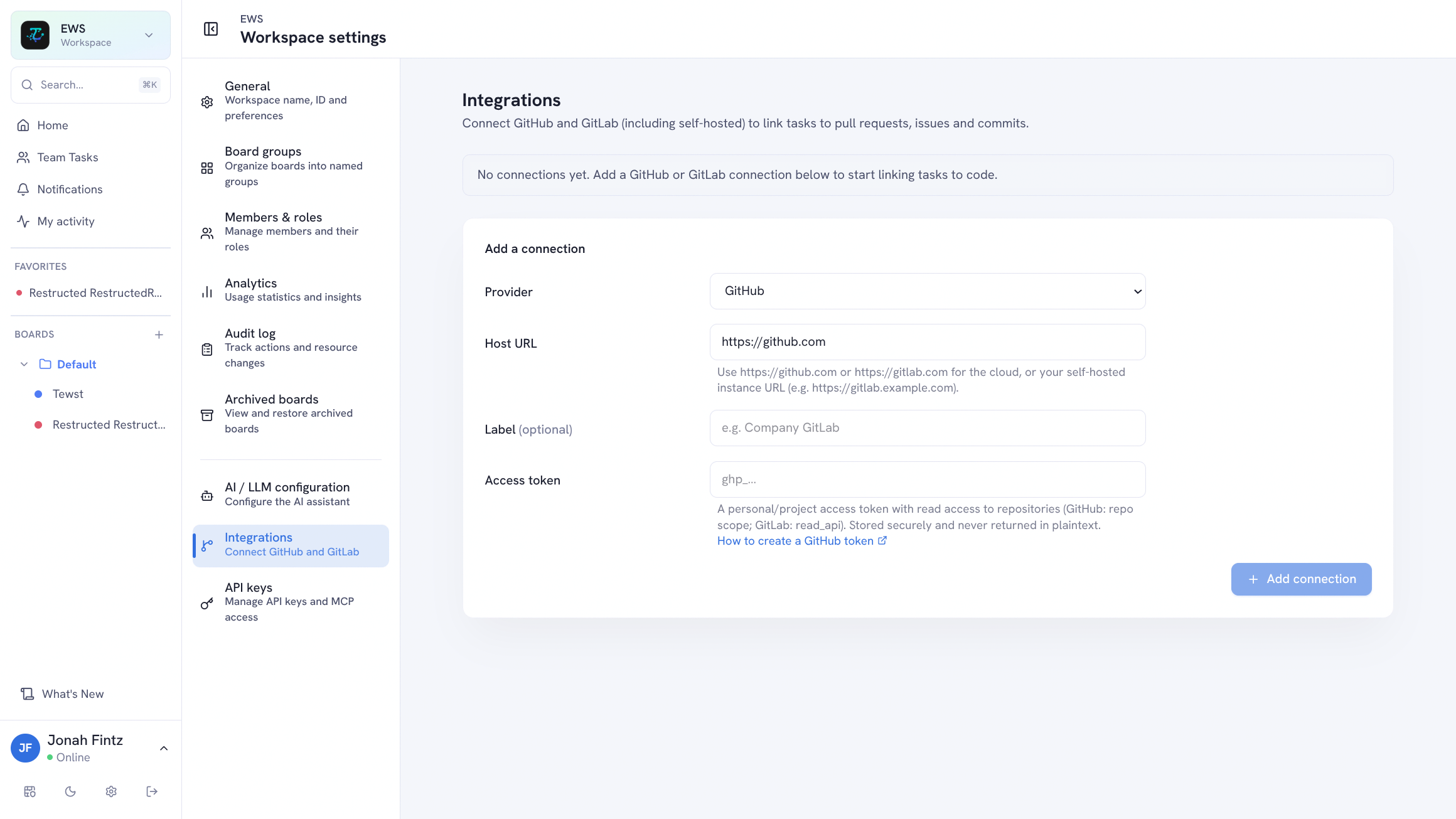
A workspace admin connects repositories in Workspace Settings → Git Connections. Each connection needs a provider (GitHub or GitLab), the repository URL, and an access token with read permissions. Multiple connections can be added — mixing providers if you work across GitHub and GitLab.
Once connected, the repository is available to everyone in the workspace for linking.
Link a PR, MR, Issue, or Commit
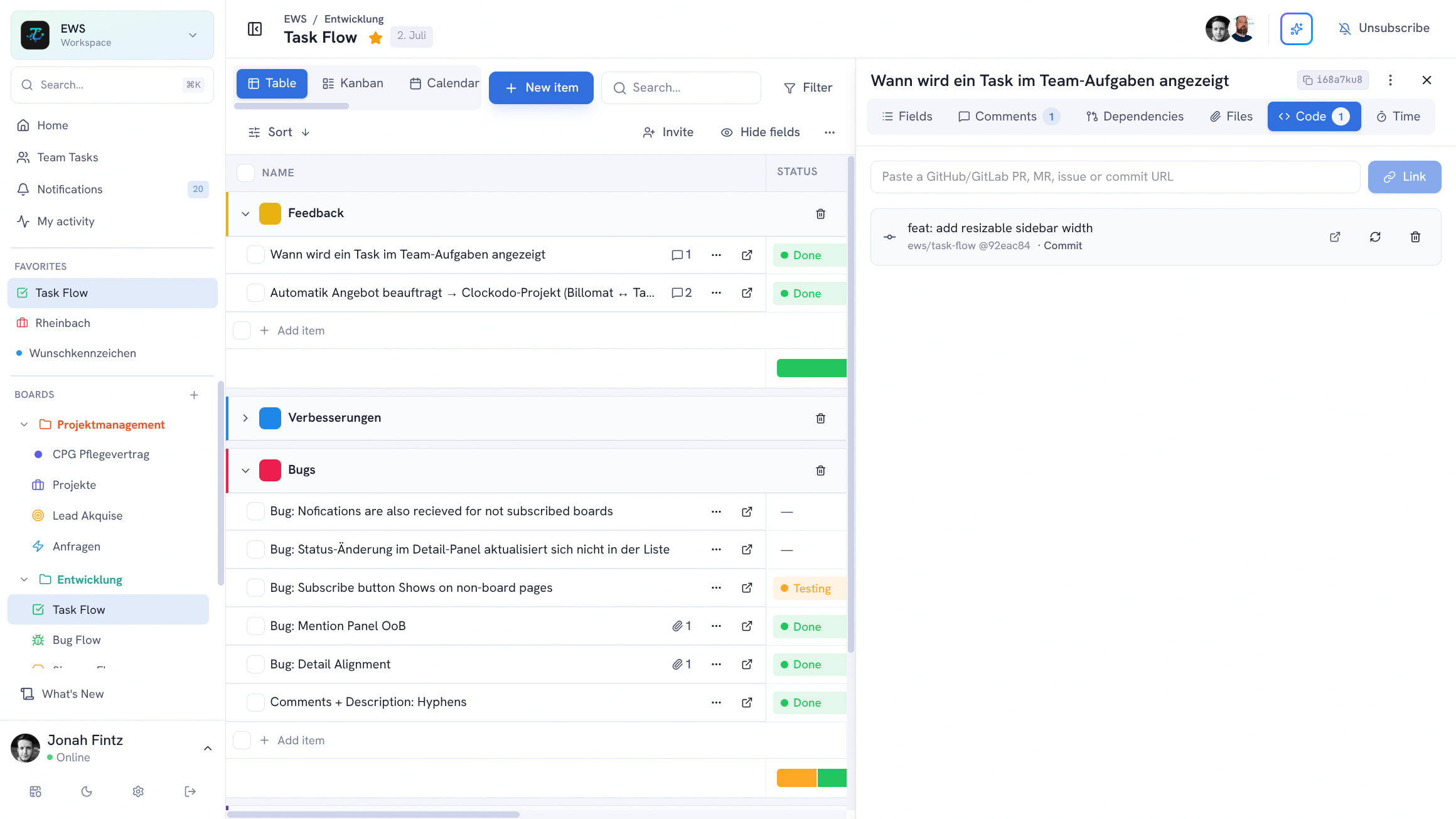
Open any task and go to the Git Links tab in the detail panel. Paste the URL of a pull request, merge request, issue, or commit — TskVlo resolves the link and immediately fetches the current status.
Each link shows:
| Field | What it shows |
|---|---|
| Type | Pull request, merge request, issue, or commit |
| Title | The PR/MR title or commit message |
| State | Open, merged, or closed |
| Draft | Whether the PR is still a draft |
| CI status | Pipeline result — success, failed, or pending |
| Repo | Which repository and number |
Links are visible from the task card in both Table and Kanban views, giving the whole team immediate visibility into development status without switching to GitHub or GitLab.
Automatic Status Refresh
TskVlo polls linked repositories in the background. When a PR is merged, a draft is marked ready for review, or a CI pipeline completes, the status on the task updates automatically — no manual refresh, no stale badges.
Automation: Trigger on PR Merge
The Git integration feeds directly into the automation engine. Create a rule that fires when a linked pull request or merge request is merged:
Example: Move to Done when PR merges
- Trigger: Linked PR / MR is merged
- Action: Move item to the “Done” group
Example: Notify the team on merge
- Trigger: Linked PR / MR is merged
- Action: Send notification to the assignee and board subscribers
This closes the loop between your code review and project board — the moment the work lands, the task reflects it.