
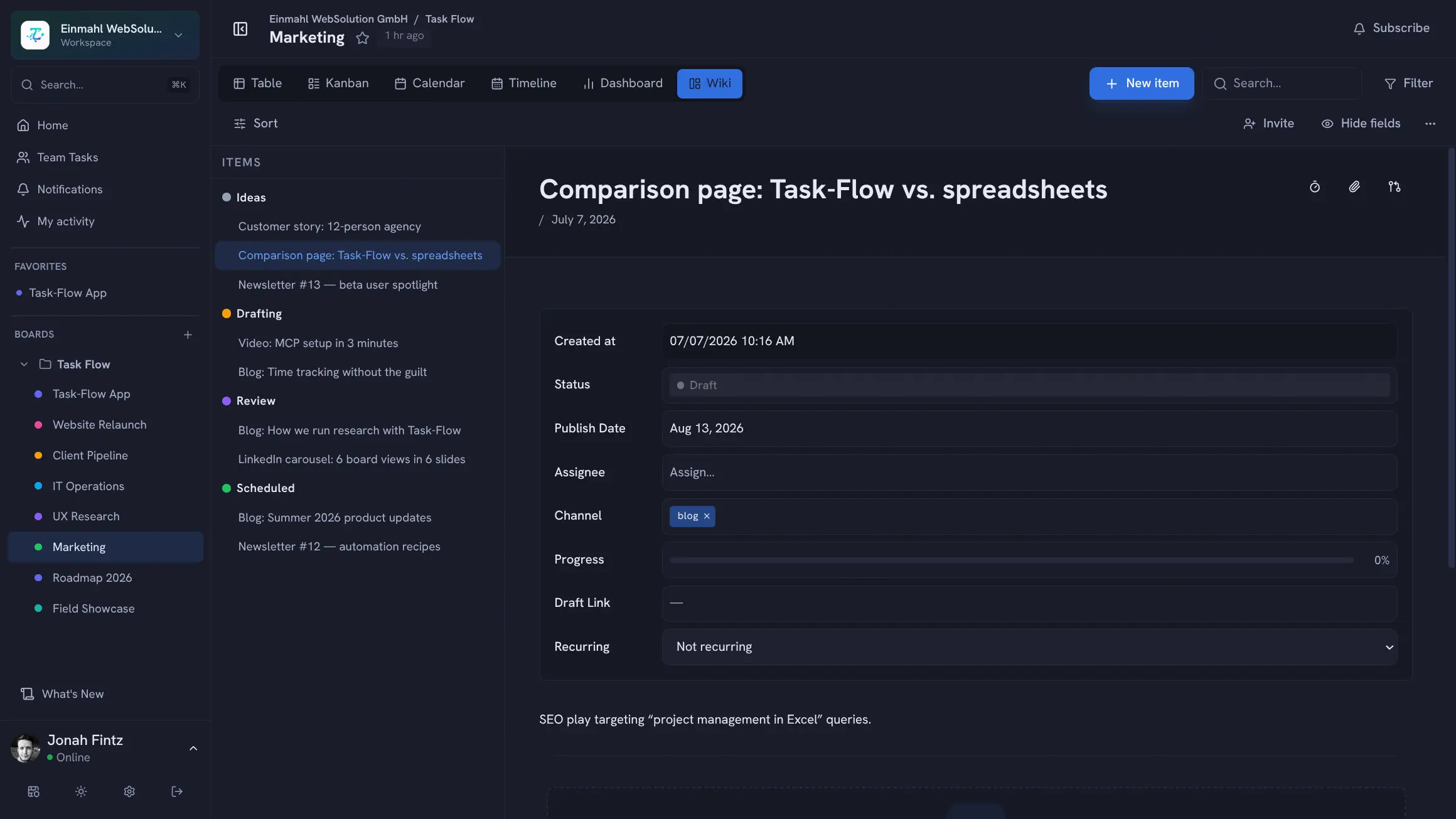
Agencies live on client work. TskVlo gives you the structure to manage multiple clients cleanly, track every billable hour, and keep projects moving without expensive SaaS subscriptions that scale with headcount.
One Workspace per Client
Keep client data completely separated. Each client gets their own workspace with its own members, boards, and data. No risk of a team member accidentally seeing another client’s confidential project details.
Within each client workspace, organize boards by project, campaign, or deliverable type. Use Board Groups to separate “Active Projects”, “On Hold”, and “Completed”.
Custom Fields for Client Work
Build boards with fields that match agency workflows:
- Status: Briefing → In Progress → Internal Review → Client Review → Approved → Delivered
- CLIENT (Text): Client company name (useful if you share a workspace across clients)
- BUDGET (Number): Approved budget per task or milestone
- APPROVED (Checkbox): Client signed off?
- DELIVERY DATE (Date): When it’s due to the client
- BILLABLE HOURS (Number): Estimated billable time
- FILE LINK (URL): Link to designs in Figma, Google Drive, etc.
Billable Time Tracking
Every task has a time log. Team members log hours manually or use the built-in timer. Open the time report from the board toolbar to see totals broken down by member and by task, filter by date range, and export billable hours as CSV for invoicing — no separate time tracking app required.
Client Visibility via Viewer Role
Add clients to their workspace as Viewers. They see project status, board updates, and deliverable notes in real time — without being able to edit anything. Replace long status email threads with a single shared project board.
Client Requests via Forms
Stop digging change requests out of email threads. Create a public form on each client’s board — asking for the deliverable, deadline, and priority — and share the link or embed it in your client portal. Clients don’t need an account; every request lands as a new item in an “Incoming” group with the answers already in the right fields, ready for your account manager to triage.
A Standard Setup for Every New Client
Once your project board works the way your agency likes, save it as a workspace template. Each new client project then starts with the same status workflow, fields, groups, and automation rules — no rebuilding the setup by hand.
File Attachments at Every Level
Attach creative assets, briefs, feedback PDFs, or revision documents directly to tasks or comments. Files are stored securely in TskVlo, not scattered across email threads or chat. Team members and clients can download the latest version without digging through inboxes.
Scale Without Per-Seat Costs
With SaaS tools, adding a client to your workspace for a project review costs money. TskVlo has no per-seat fees — invite every stakeholder, account managers, designers, developers, clients — without watching the bill grow.